San Andreas / Скины / Новый вид / модель
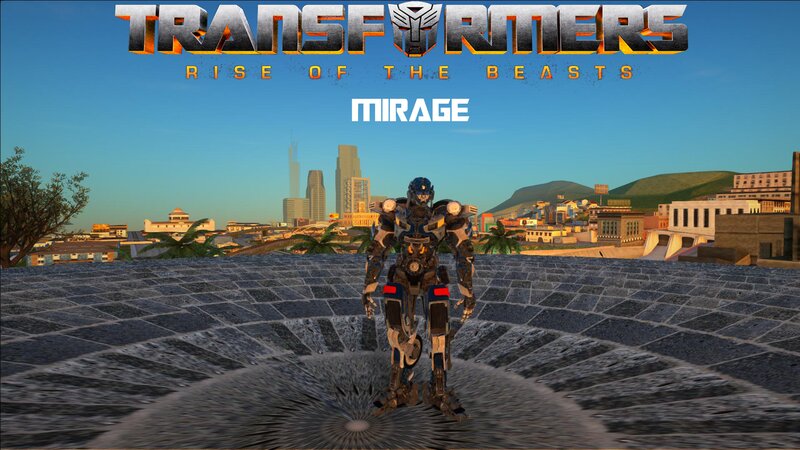
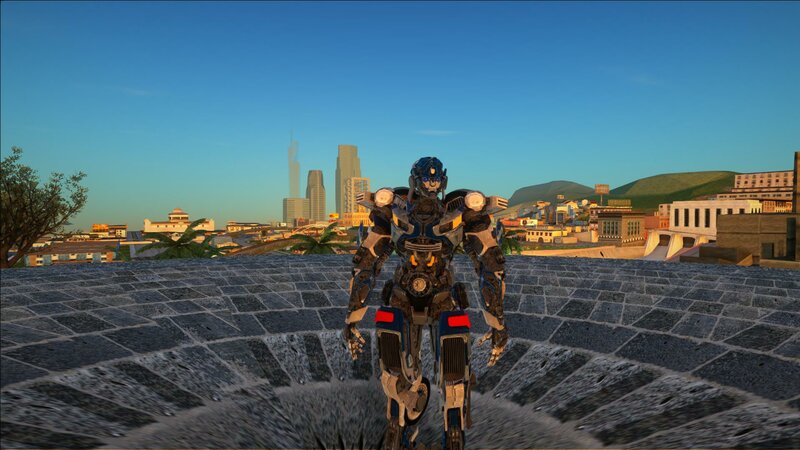
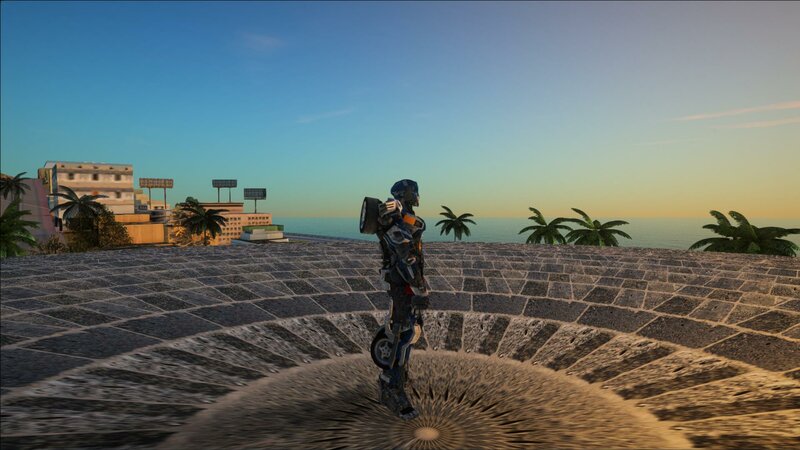
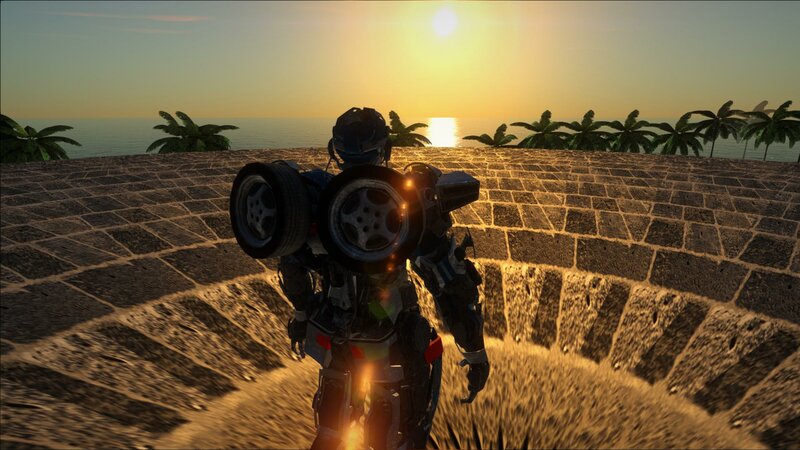
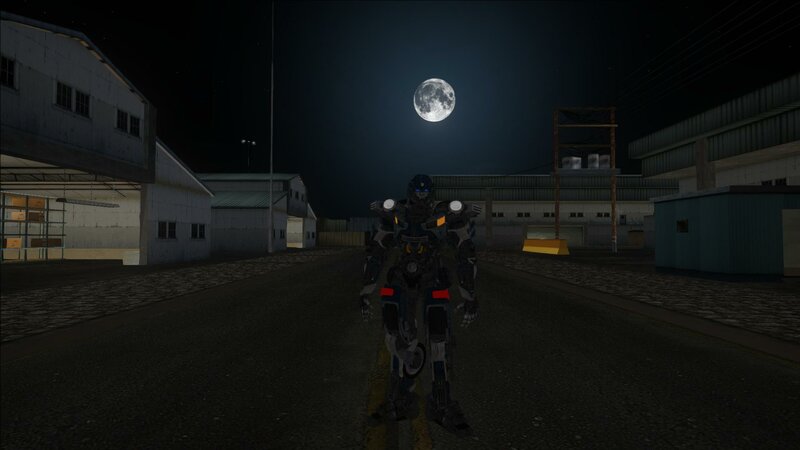
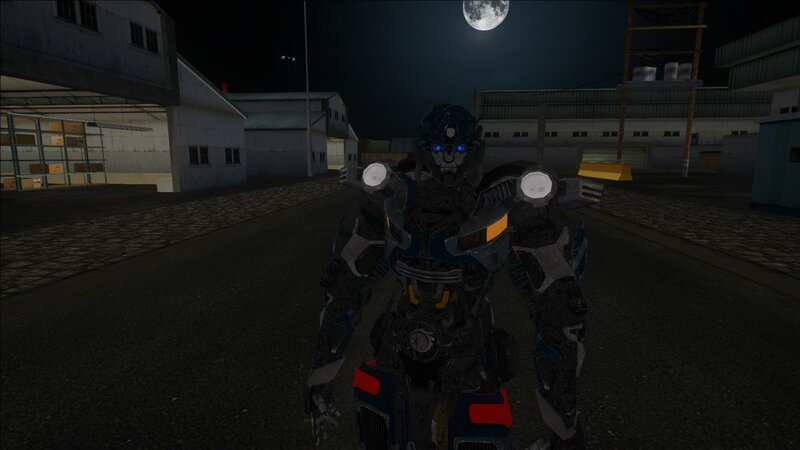
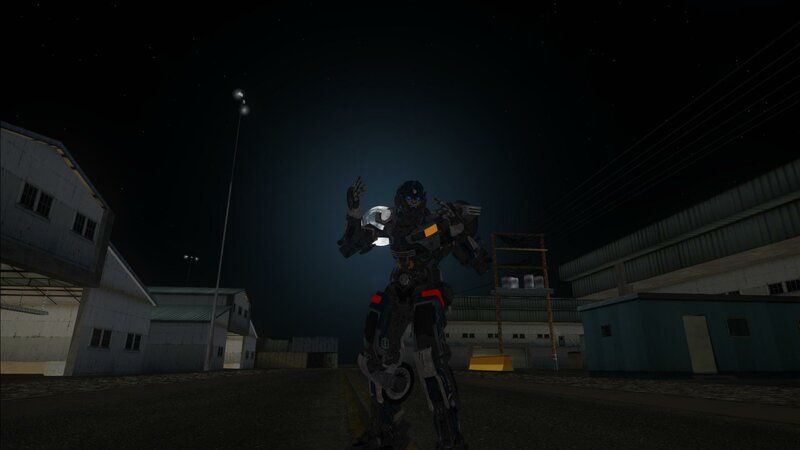
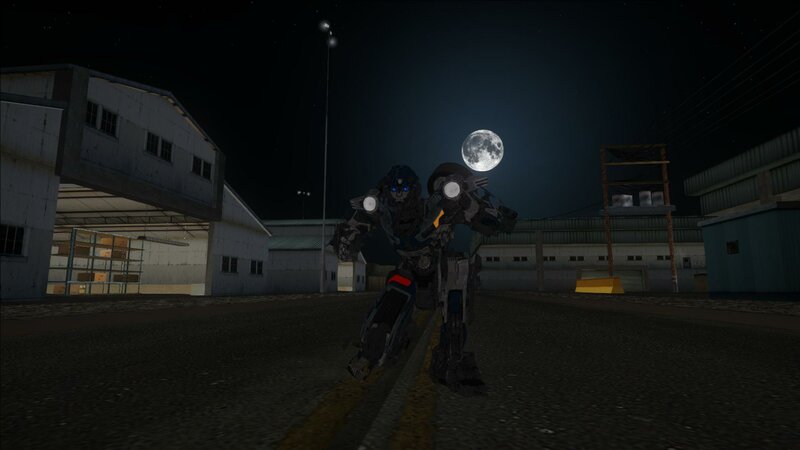
Mirage From Transformers Rise Of The Beast By Hello Theree
- Petesiantenkk | загрузил Petesiantenkk
- 06/18/2023
- 4654 Скачивания
Оценки:
Сначала войди в аккаунт.
Избранное:
Videos
Видео пока не добавлены.Войди в аккаунт, чтобы добавить видео к этому моду.
Описание
Imported by me Hello.There_
This is a Transformers ROTB Model that i tried to import to gta sa
Don't steal my work!
support me on patreon. i will post my future works there
https://www.patreon.com/GeneralKenobii
check out my yt channel also
https://www.youtube.com/@hello.theree_/featured
Model Exported by TFAltModes from Sketchfab
Installation:
skin selector
1. download and install alci's img editor
2. download and install skin selector https://www.gtaall.com/gta-san-andreas/cleo/4876-skin-selector-v21.html
3. open alci's img editor
4. open skin.img
5. import everything in Skin folder
6. Save and Rebuild
7. enjoy!
Ped
1. download and install alci's img editor
2. open alci's img editor
3. open gta3.img
4. rename everything in Skin folder to andre.dff , andre.txd or male01.dff , male01.txd to your liking
5. Save and Rebuild
6. enjoy!
Thank you!
This is a Transformers ROTB Model that i tried to import to gta sa
Don't steal my work!
support me on patreon. i will post my future works there
https://www.patreon.com/GeneralKenobii
check out my yt channel also
https://www.youtube.com/@hello.theree_/featured
Model Exported by TFAltModes from Sketchfab
Installation:
skin selector
1. download and install alci's img editor
2. download and install skin selector https://www.gtaall.com/gta-san-andreas/cleo/4876-skin-selector-v21.html
3. open alci's img editor
4. open skin.img
5. import everything in Skin folder
6. Save and Rebuild
7. enjoy!
Ped
1. download and install alci's img editor
2. open alci's img editor
3. open gta3.img
4. rename everything in Skin folder to andre.dff , andre.txd or male01.dff , male01.txd to your liking
5. Save and Rebuild
6. enjoy!
Thank you!
Комментарии
Опубликовано комментариев: 4.