San Andreas / Скины / Новый вид / модель
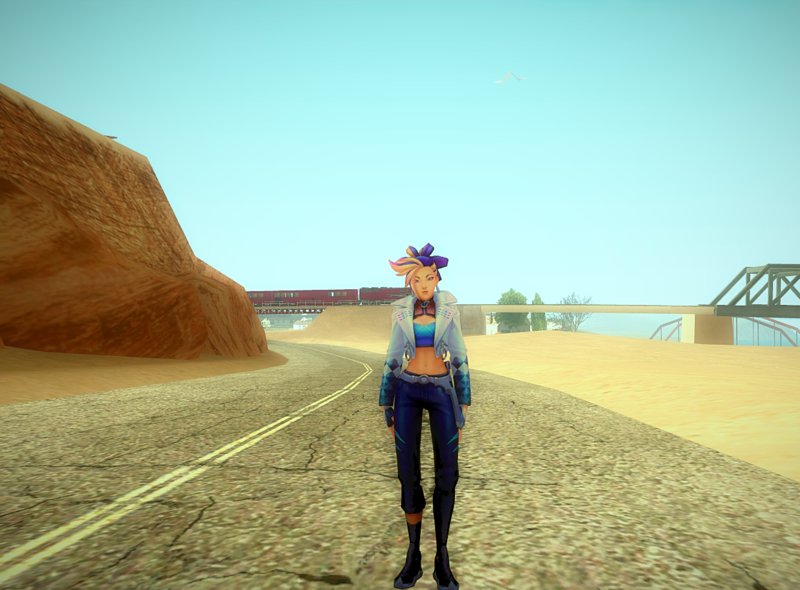
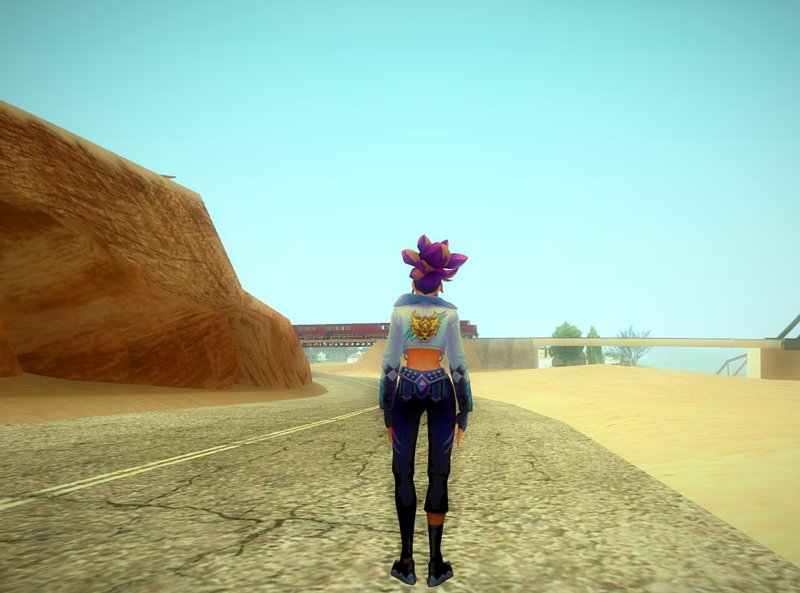
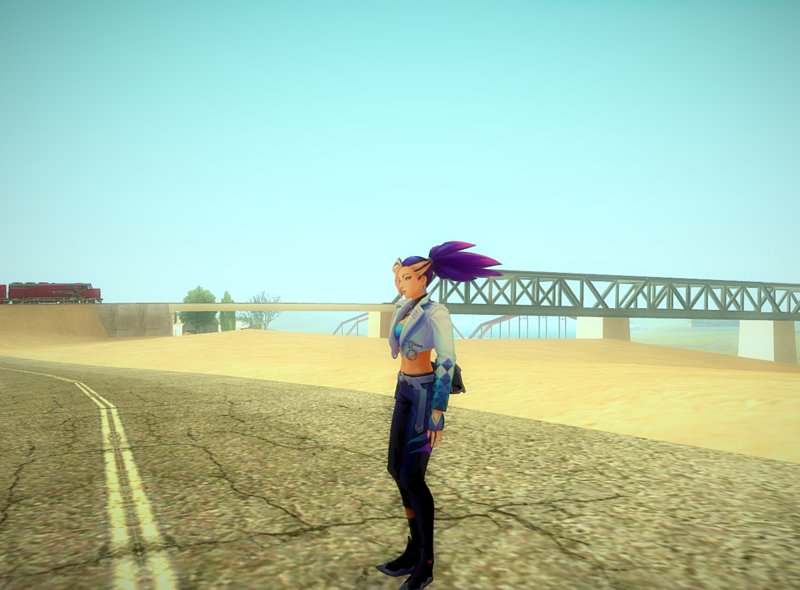
K/DA ALL OUT Akali
- userboy17 | загрузил userboy17
- 10/18/2020
- 4179 Скачивания
Оценки:
Сначала войди в аккаунт.
Избранное:


Видео
Видео пока не добавлены.Войди в аккаунт, чтобы добавить видео к этому моду.
Описание
K/DA ALL OUT Akali
Model by Riot Games
port by userboy17
Model by Riot Games
port by userboy17
Комментарии
Опубликовано комментариев: 10.


03/02/2021 14:50
@July Alberto
chromas are in "Chromas" folder,
open cwfyfr1.txd with any txd tool (I suggest magic txd)
delete the former userboy17.dds image inside in the txd
rename the chroma you want to use as userboy17
(for example: if you want to use userboy17 (5).dds rename it as userboy17.dds)
import it inside the txd and save
that's it
Цитировать | Ответить | (0)
@July Alberto
chromas are in "Chromas" folder,
open cwfyfr1.txd with any txd tool (I suggest magic txd)
delete the former userboy17.dds image inside in the txd
rename the chroma you want to use as userboy17
(for example: if you want to use userboy17 (5).dds rename it as userboy17.dds)
import it inside the txd and save
that's it
Цитировать | Ответить | (0)
05/02/2021 14:14
@pantheon36
you need to change the txd file's name with the original skin's name.
for example, let's say that original one is akali.txd and the chroma is akali01.txd you need to change akali01.txd to akali.txd and then import it.
Цитировать | Ответить | (1)
@pantheon36
you need to change the txd file's name with the original skin's name.
for example, let's say that original one is akali.txd and the chroma is akali01.txd you need to change akali01.txd to akali.txd and then import it.
Цитировать | Ответить | (1)

04/30/2021 04:31
Help me how to install atleast 2 K/DA skin step by step so i can learn how to install with chromas in gta sa, reply fast pls thank you.
Цитировать | Ответить | (2)
Help me how to install atleast 2 K/DA skin step by step so i can learn how to install with chromas in gta sa, reply fast pls thank you.
Цитировать | Ответить | (2)