San Andreas / Моды / Моды
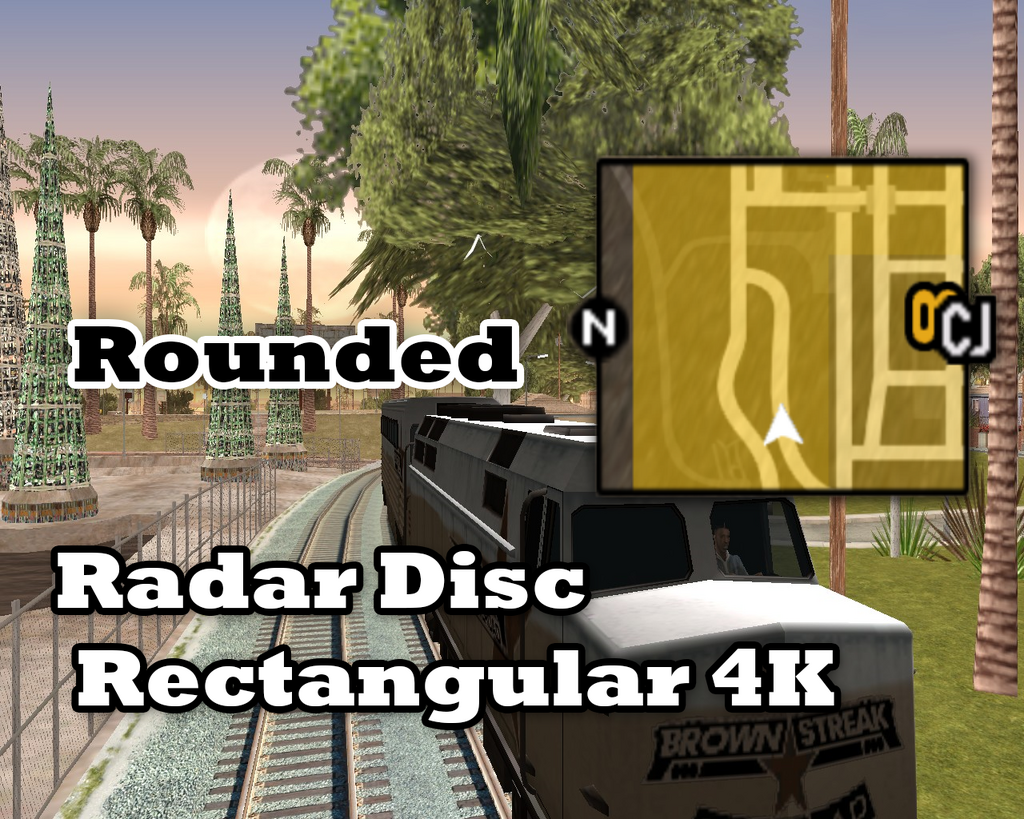
Rounded Radar Disc Rectangular 4K
- MOHAMED9117 | загрузил MOHAMED9117
- 11/24/2026
- 64 Скачивания
Оценки:
Сначала войди в аккаунт.
Избранное:
Видео
Видео пока не добавлены.Войди в аккаунт, чтобы добавить видео к этому моду.
Описание
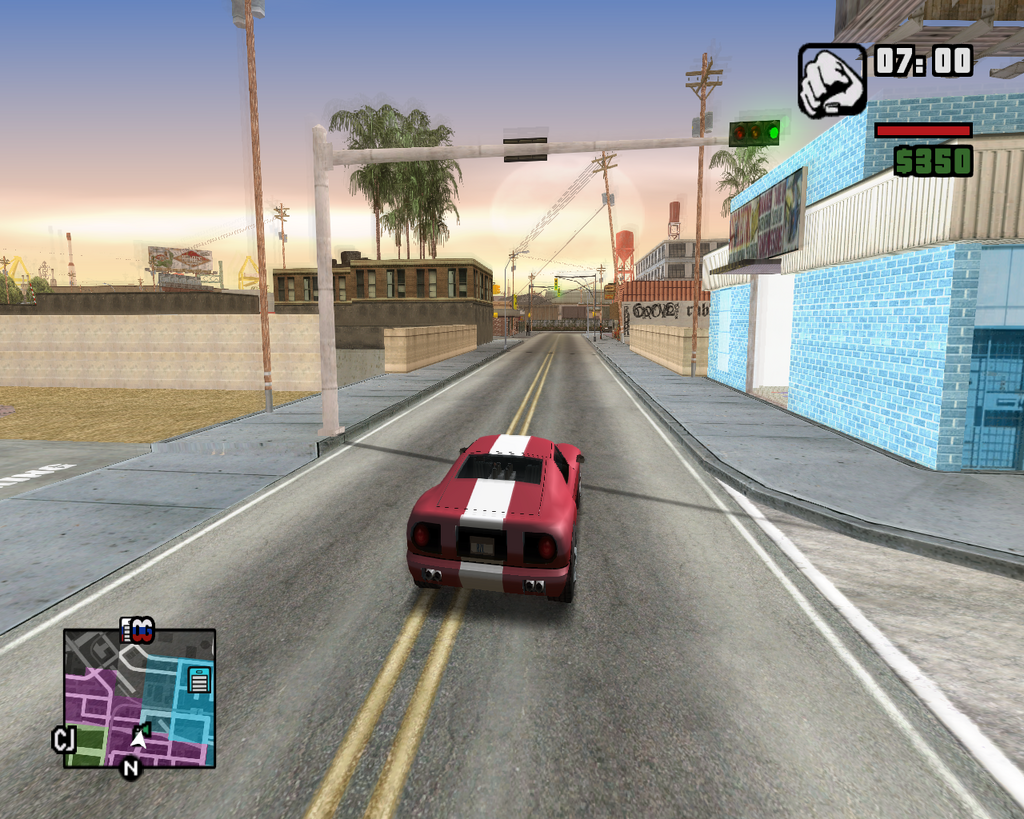
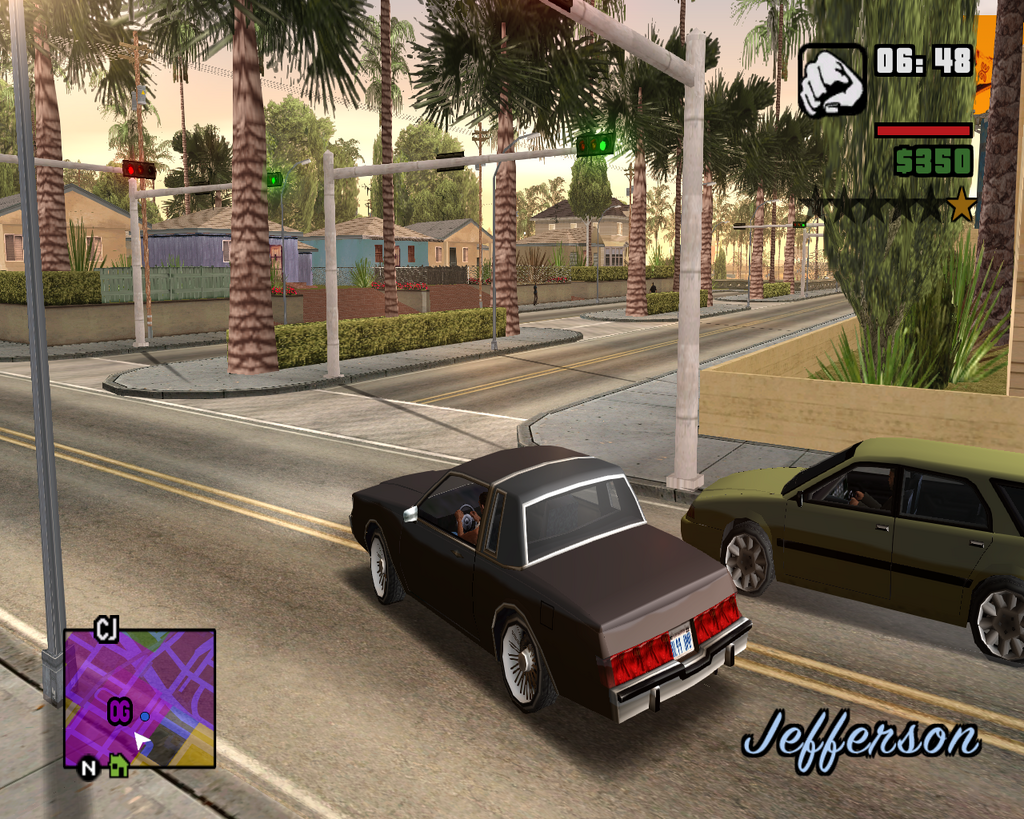
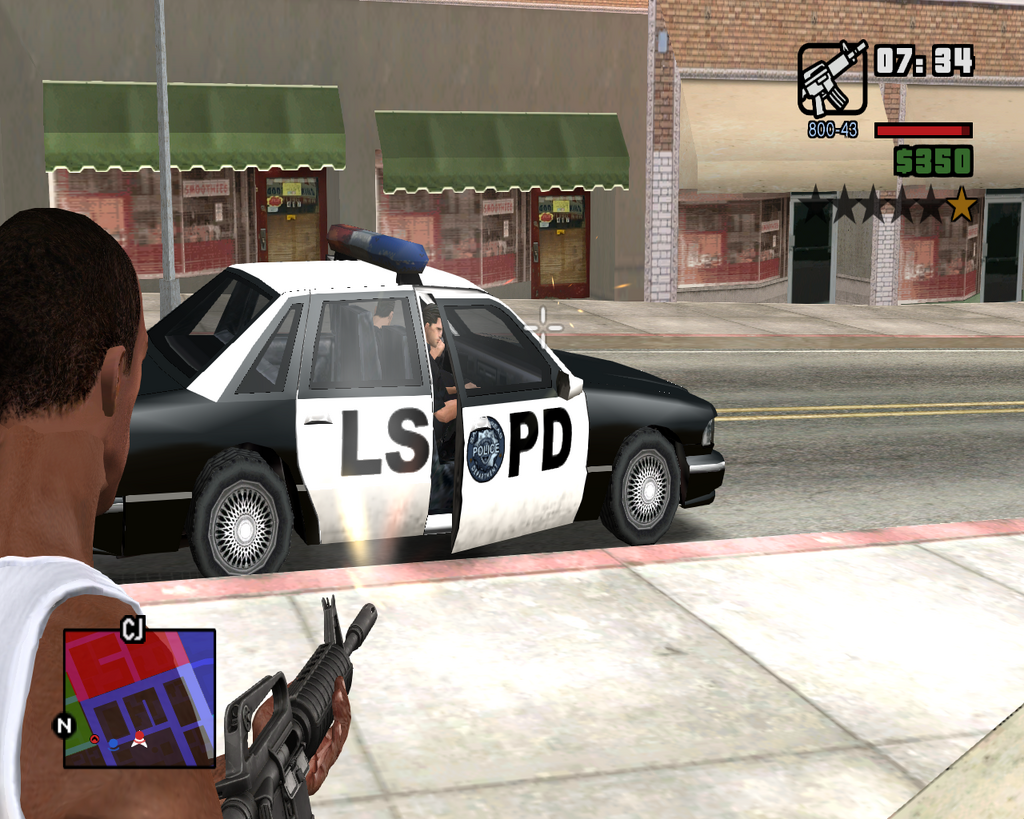
This mod replaces the default radar disc in GTA San Andreas with a clean, rounded design in 4K quality. The HUD folder contains the original game HUD files, with only the radar disc modified. A separate PNG is also included for players who already use a custom HUD.
What's included:
- HUD folder: The original game HUD with the modified radar disc.
- PNG folder: A PNG of the rounded radar disc (4K), which can be added to any HUD folder.
Installation:
Option 1: Full HUD installation
- Back up your original HUD folder.
- Open the HUD folder from this mod.
- Copy its contents into your game's HUD folder.
- Choose "Replace the files in the destination" when asked.
- Launch the game.
Option 2: PNG only (keep your custom HUD)
A site with no ads — that's LC Pro →- Backup your current HUD folder.
- Open the PNG folder from this mod.
- Copy the PNG file into the HUD folder you want to use.
- Make sure the file name matches your game's original radar disc file name.
- Replace the existing file when asked, then launch the game.
Requirements: radarrect.asi
The mod will not work unless radarrect.asi is placed in your main game folder, the same folder that contains the game's .exe file. Plugins with the .asi extension only load if an ASI Loader is installed in the game. If your game already runs other .asi mods, you have it. If not, install one first (see the programs table below).
Notes:
- Always back up your files before installing any mod.
- To uninstall, restore your original files from the backup.
Комментарии
Опубликовано комментариев: 0.