San Andreas / Моды / ENB Series
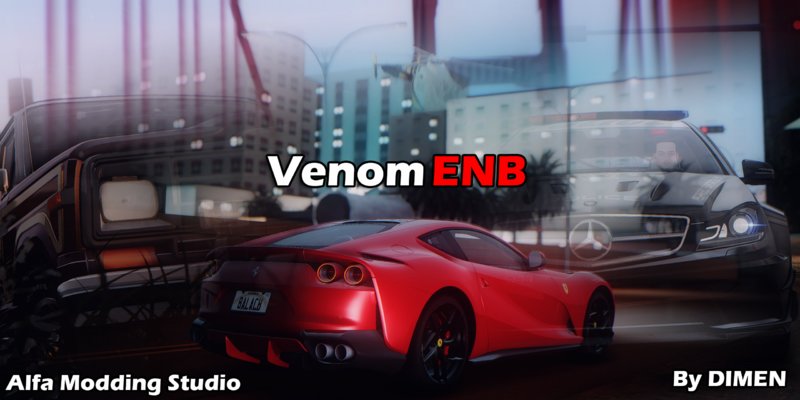
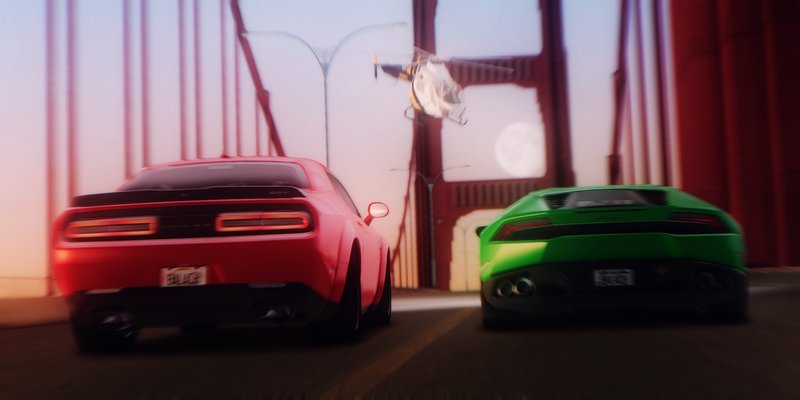
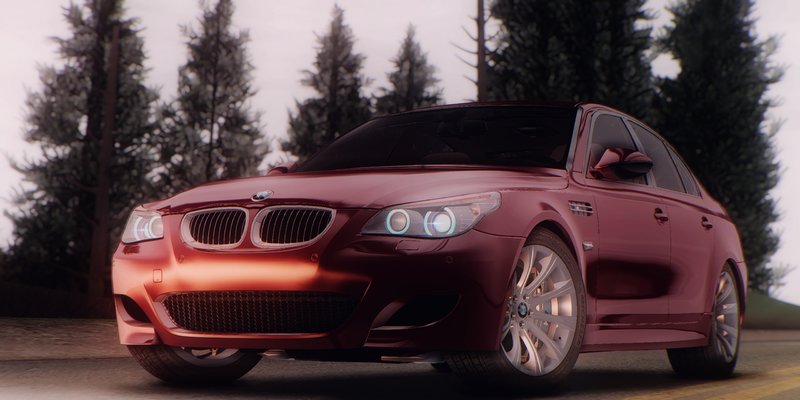
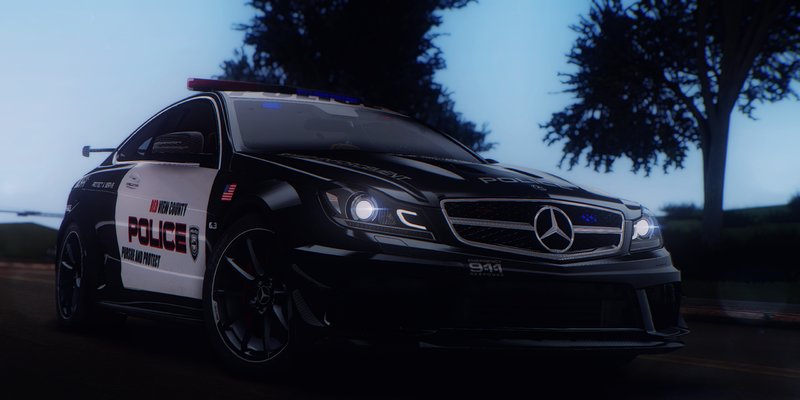
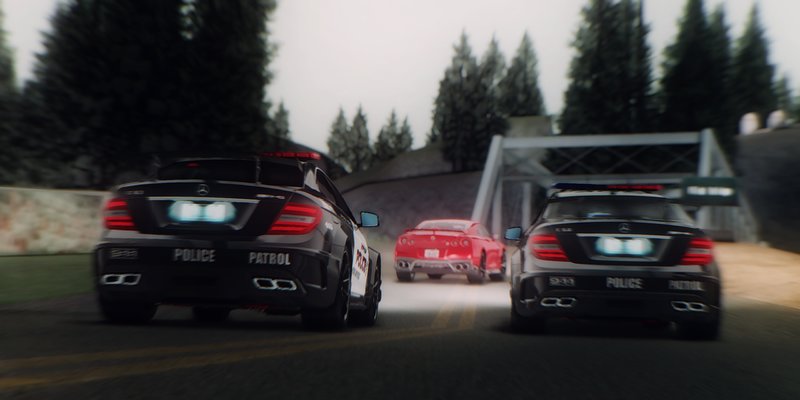
Venom-ENB
- DIMEN, Boris Voronsov, Crossire, MartyMcFly | загрузил Maxim_Balach
- vk.com/alfa_modding_studio
- 04/16/2019
- 13641 Скачивания
Оценки:
Сначала войди в аккаунт.
Избранное:
Videos
Видео пока не добавлены.Войди в аккаунт, чтобы добавить видео к этому моду.
Описание
Author of ENB Settings: DIMEN
Author of ENB Series: Boris Voronsov
Authors of ReShade: Crossire, MartyMcFly
Version: 1.0.0
ENB Setting's notes:
- ENB Settings intended ONLY for mid- or hi- end PC's hardware
- Turn on/off ENB: Shift + F12
- Turn on/off ReShade: Scroll lock
- Turn on/off Reshade DoF: Num 7
- Before installing this ENB Presets, turn you brightness settings in game to minimum
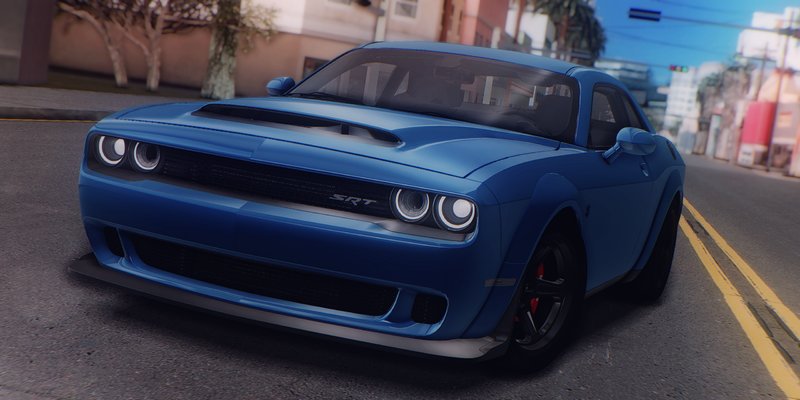
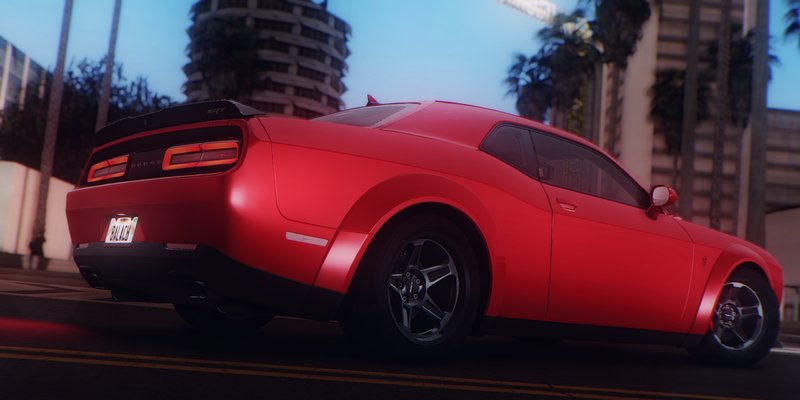
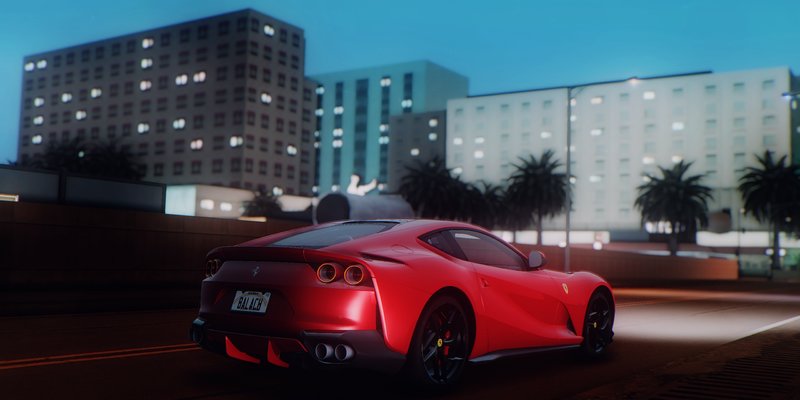
Venom-ENB features:
- Based on ENB version 0.248+0.75 and ReShade
- Qualitatively setted Color-Correction
- Matte reflections
- Quality Shadows
- Beautiful SSAO
- Qualitatively setted water
- Good combination of Bloom effects
- Double-passed DoF
- Working HDR
- Configured Ambient Light
Special Thanks:
- Alfa Modding Studio Team
- Boris Vorontsov - for ENB Series
- Mad Driver - for translation this Readme on English
- Balach - for screenshots, testing and release
- nd all others who wathing this project
Author of ENB Series: Boris Voronsov
Authors of ReShade: Crossire, MartyMcFly
Version: 1.0.0
ENB Setting's notes:
- ENB Settings intended ONLY for mid- or hi- end PC's hardware
- Turn on/off ENB: Shift + F12
- Turn on/off ReShade: Scroll lock
- Turn on/off Reshade DoF: Num 7
- Before installing this ENB Presets, turn you brightness settings in game to minimum
Venom-ENB features:
- Based on ENB version 0.248+0.75 and ReShade
- Qualitatively setted Color-Correction
- Matte reflections
- Quality Shadows
- Beautiful SSAO
- Qualitatively setted water
- Good combination of Bloom effects
- Double-passed DoF
- Working HDR
- Configured Ambient Light
Special Thanks:
- Alfa Modding Studio Team
- Boris Vorontsov - for ENB Series
- Mad Driver - for translation this Readme on English
- Balach - for screenshots, testing and release
- nd all others who wathing this project
Комментарии
Опубликовано комментариев: 11.






04/20/2019 12:21
@PhilipPCGamer Open "ReShade" folder and find file "Shaders_by_CeeJay.cfg"
He located in ReShadePresetsDefault directory.
Open this file and find this line:
#define USE_CA 1
and set 0 instead 1
I hope that helps you.
Цитировать | Ответить | (1)
@PhilipPCGamer Open "ReShade" folder and find file "Shaders_by_CeeJay.cfg"
He located in ReShadePresetsDefault directory.
Open this file and find this line:
#define USE_CA 1
and set 0 instead 1
I hope that helps you.
Цитировать | Ответить | (1)




04/19/2019 17:10
I like it, but it blurs text, and the text can't be seen, how can i fix it?
Цитировать | Ответить | (0)
I like it, but it blurs text, and the text can't be seen, how can i fix it?
Цитировать | Ответить | (0)