San Andreas / Моды / CLEO-моды
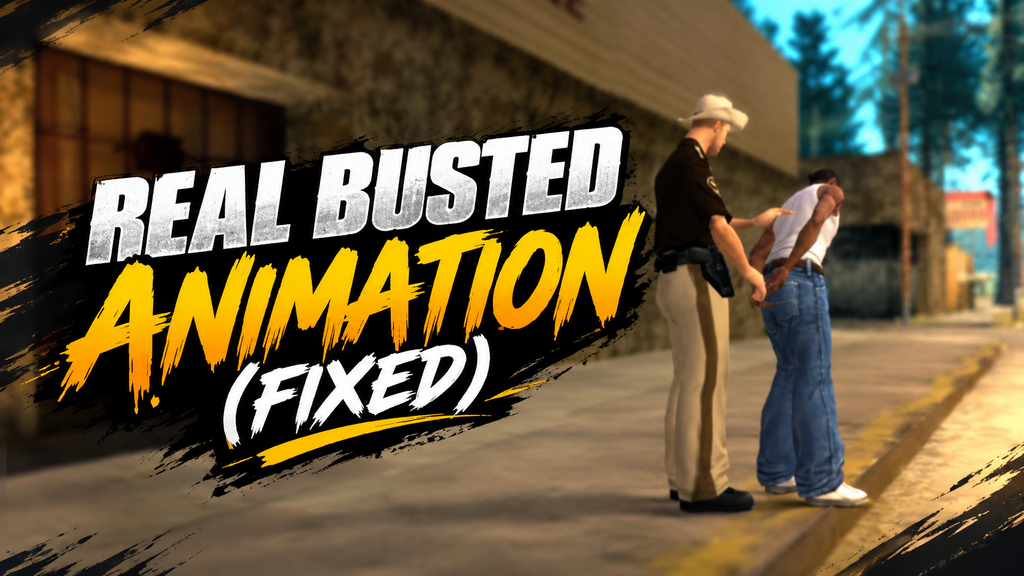
Real Busted Animation (Fixed)
- ArAsH | загрузил arasheb098
- gtainside.com/profile/arash...
- 10/14/2026
- 105 Скачивания
Оценки:
Сначала войди в аккаунт.
Избранное:
Видео
Видео пока не добавлены.Войди в аккаунт, чтобы добавить видео к этому моду.
Описание
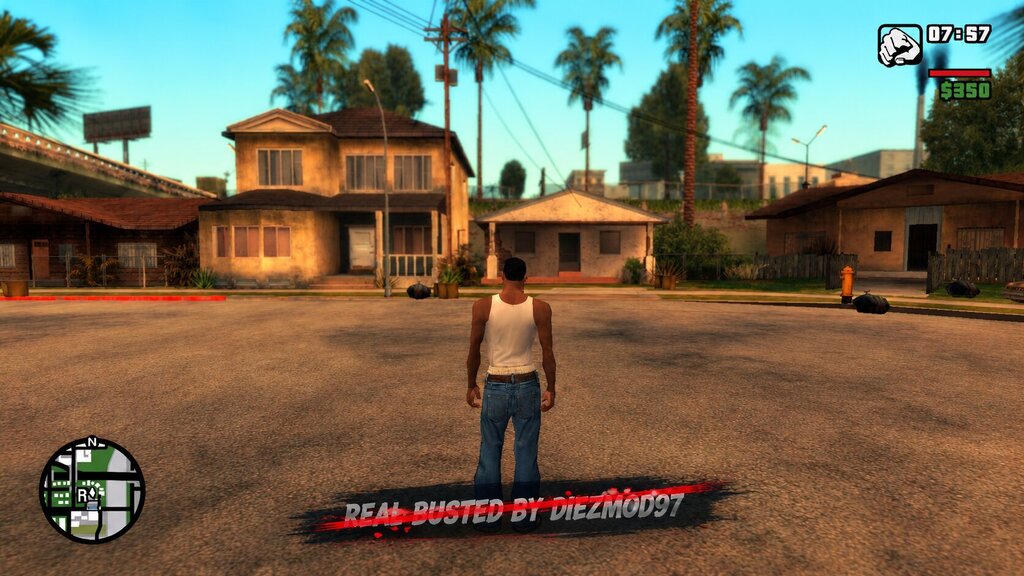
This Is An Old CLEO Script That I Decided To Revive & Fix Because Of One Annoying Feature That Bothered Me & Many Other Players: That Impatiently Aggressive "REAL BUSTED BY DIEZMOD97" Text Greeting You Like A Jump-Scare Every Single Time The Game Loaded! Seriously, Who Thought It Was A Good Idea To Flash A Billboard In Our Faces On Startup?! ?
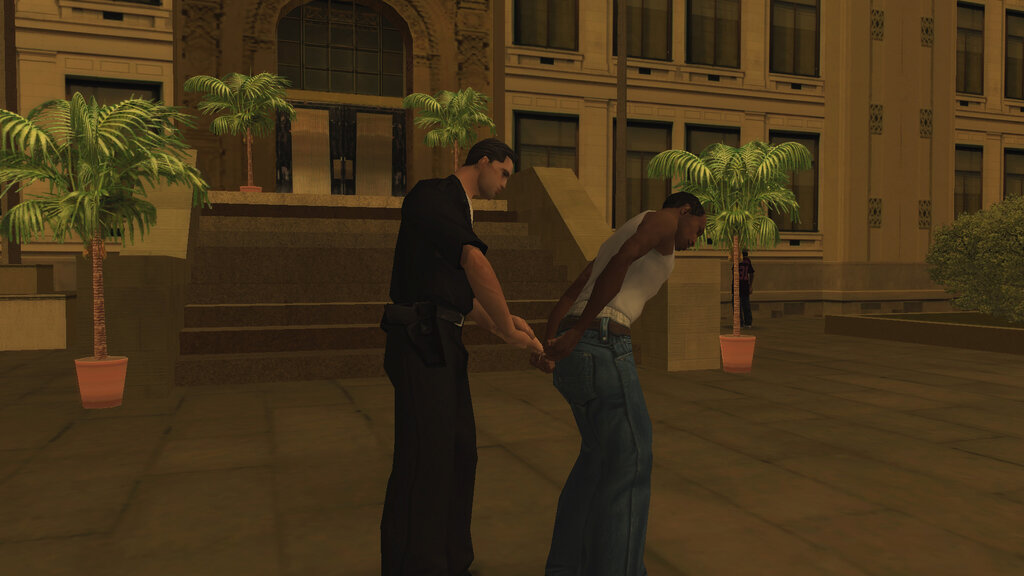
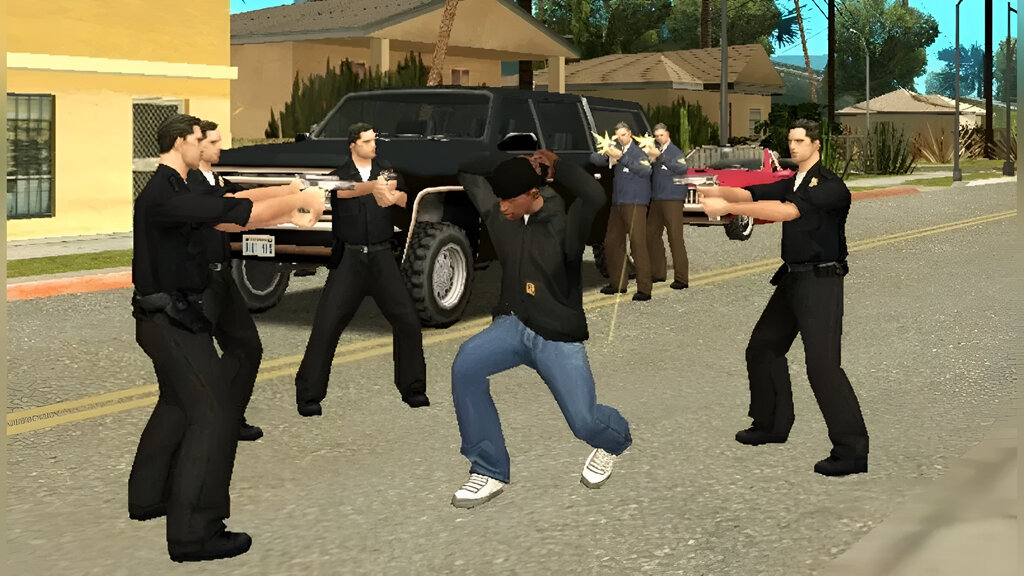
Anyway, The Script Adds A New, More Realistic Arrest Animation To GTA San Andreas: Instead Of Spawning Directly Outside The Police Station After Being Busted, A Short Scene Plays Where CJ Comes Out Of The Station With Bound Hands, A Police Officer Unties Him, & Lets Him Go. It Makes The Whole Process Much More Natural & Immersive! ❤
Huge Thanks To The Original Creator, DiezMod97 (@ADIEZMOD97), For Creating This Awesome Mod For Both PC & Mobile!
? FEATURES:
- Removed The Annoying Intro Text ("REAL BUSTED BY DIEZMOD97") On Game Startup
- Improved Script Performance & Fixed Minor Bugs
- Optimized & Updated Opcodes For Full Compatibility With Modern CLEO Versions (From V4.4.4 Up To V5.4.0)
- Fully Cleaned & Optimized Source Code Available For Both PC & Mobile Versions
? INSTALLATION:
✔ METHOD 1: Using ModLoader (RECOMMENDED)
- Extract The `Real Busted Animation (Fixed).zip` File.
- Enter The `PC Version` Folder.
- Simply Copy The `Real Busted Animation (Fixed)` Folder Into Your `GTA San Andreas\ModLoader\` Directory.
- Done!
✔ METHOD 2: Manual Installation
- Extract The `Real Busted Animation (Fixed).zip` File.
- Go To `PC Version\Real Busted Animation (Fixed)\CLEO\` & Copy `Real_Busted_Animation.cs` Into Your `GTA San Andreas\CLEO\` Directory.
- Use An IMG Management Tool (Like IMG Tool) To Open `GTA San Andreas\models\gta3.img`.
- Add / Import The `busted.ifp` File (`PC Version\Real Busted Animation (Fixed)\gta3.img\`) Into It.
- Save / Rebuild The IMG Archive.
- Done!
? MOBILE INSTALLATION:
IMPORTANT: For Unprotected Builds, Replace `Android\` With `Android_Unprotected\` In Mentioned Paths).
- Extract The `Real Busted Animation (Fixed).zip` File & Open The `Mobile Version` Folder.
- Copy The `Android` Folder Directly To Your Root Internal Storage Directory.
- After Copying, Navigate To Your Game OBB Directory: `Android\obb\com.rockstargames.gtasa\`.
- You Will Notice That A New File, Named `busted.ifp` Has Been Added Here.
- (Optional) Create A Backup Copy Of Your `patch.8.com.rockstargames.gtasa.obb` File Before Proceeding.
- Rename `patch.8.com.rockstargames.gtasa.obb` To `patch.8.com.rockstargames.gtasa.zip` & Extract Its Contents.
- Open Your Mobile IMG Editor (Like GTA IMG Editor), Navigate To `Android\obb\com.rockstargames.gtasa\patch.8.com.rockstargames.gtasa\textdb\`, & Open `gta3.img`.
- Import / Add The `busted.ifp` File Located In The OBB Folder (`Android\obb\com.rockstargames.gtasa\busted.ifp`) Into `gta3.img` & Save Changes.
- Open Your Device File Manager, Navigate Back To The Extracted `patch.8.com.rockstargames.gtasa` Folder, Select All Its Contents, & Compress Them Back Into A ZIP File.
- Rename The Newly Created ZIP File Extension From `.zip` To `.obb` (`patch.8.com.rockstargames.gtasa.obb`). Ensure It Is Placed In `Android\obb\com.rockstargames.gtasa\` Next To `main.8.com.rockstargames.gtasa.obb`.
- (Optional) You Can Now Delete The Loose `busted.ifp` File From The OBB Directory Since It Has Been Integrated Into `gta3.img`.
- Done!
? NOTE FOR MODDERS & ACKNOWLEDGMENTS:
This Version Is Fully Open Source & Unprotected! The Original PC Version Had Its HEX Code Altered To Prevent Decompilation, But While The Mobile Version Remained Clean, PC Modders Couldn't Easily Inspect OR Learn From It. So, I Ported The Mobile Version Back To PC, Removed That Intro Text & Cleaned Up The Entire Source Code So Anyone Can Easily Decompile & Study It Using SannyBuilder!
I Fully Respect All Modders & Dislike People Stealing Others Hard Work. The Original Idea & Creation Belong Entirely To DiezMod97. I Only Ported, Fixed, & Optimized It For The Community.
IMPORTANT: Please Always Mention The "Original" Author If You Share This Mod Elsewhere!
- AUTHORS: DiezMod97 & ArAsH098
- EMAIL : [email protected]
- TOOLS : SannyBuilder4, CLEO4+ Library
Комментарии
Опубликовано комментариев: 0.