San Andreas Definitive Edition / Моды / Графика / ENB
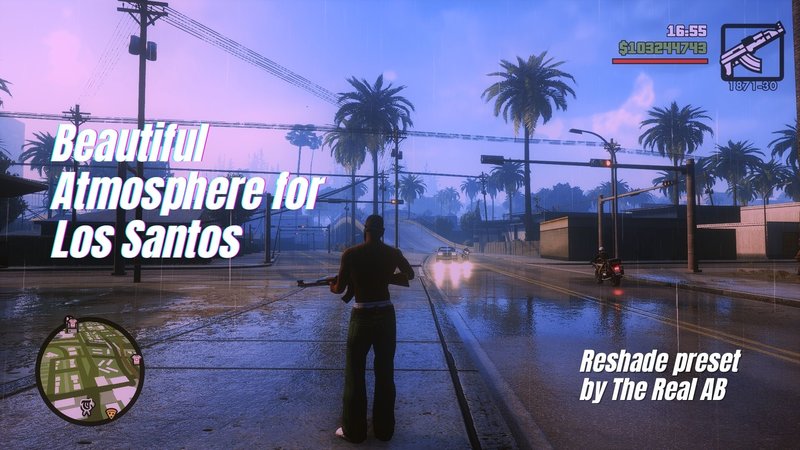
Beautiful Atmosphere for Los Santos
- The Real A.B | загрузил The Real A.B
- 11/28/2021
- 22619 Скачивания
Оценки:
Сначала войди в аккаунт.
Избранное:
Скачать
42.51Mb
42.51Mb
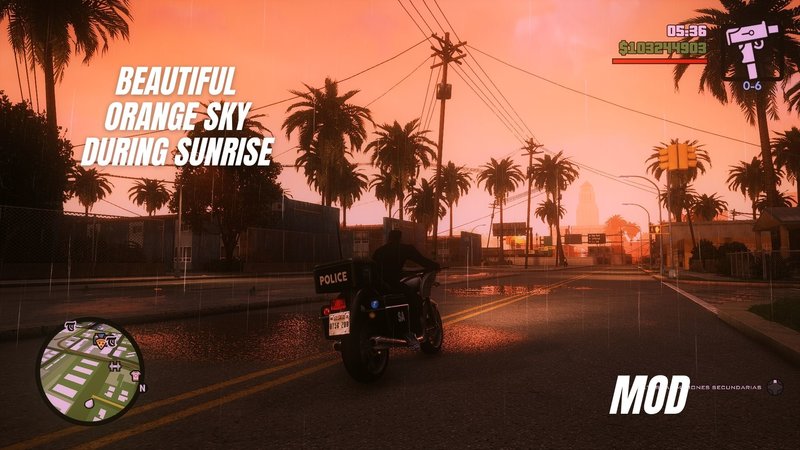
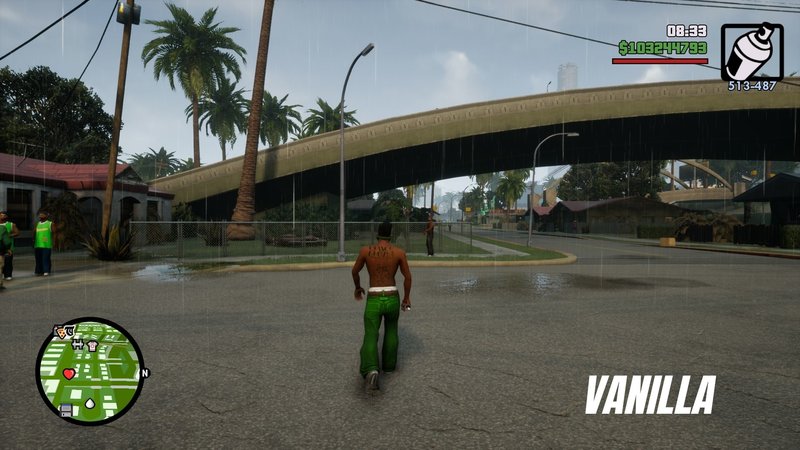
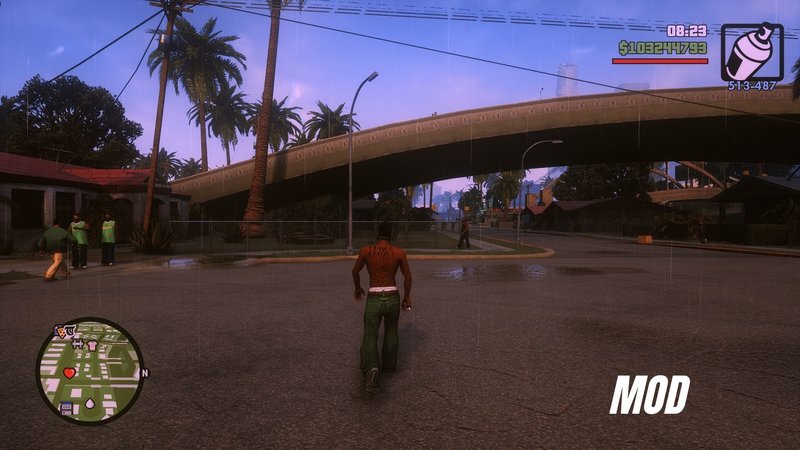
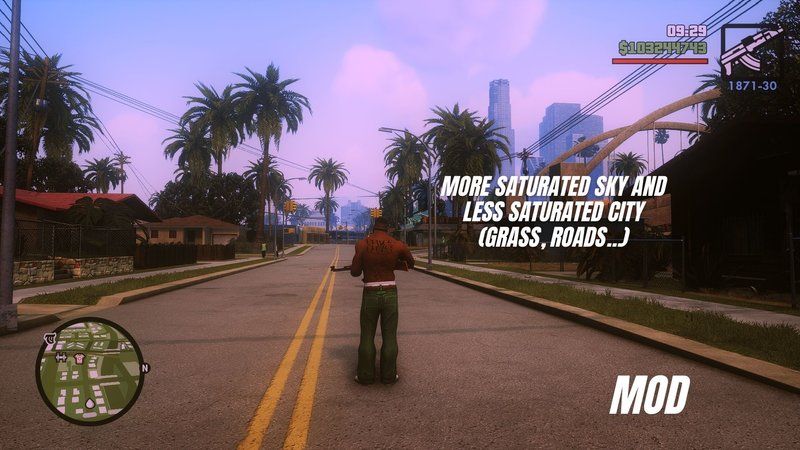
Видео

Войди в аккаунт, чтобы добавить видео к этому моду.
Описание
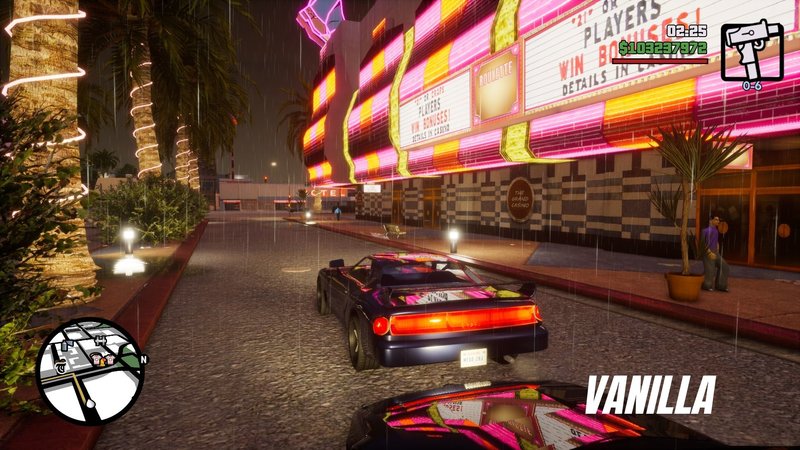
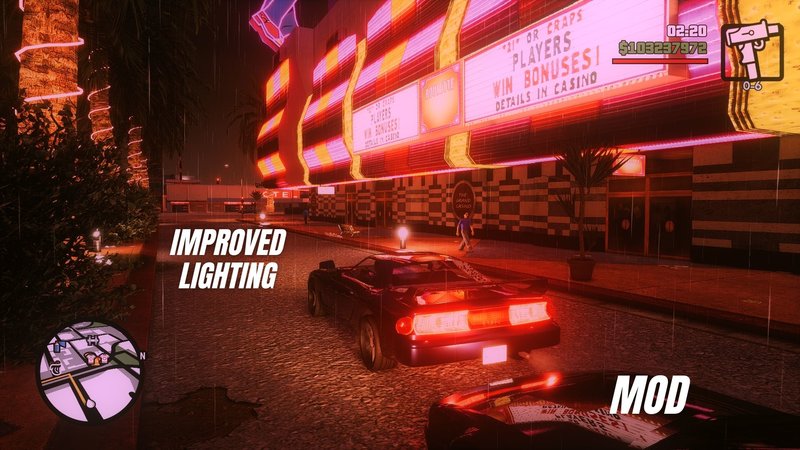
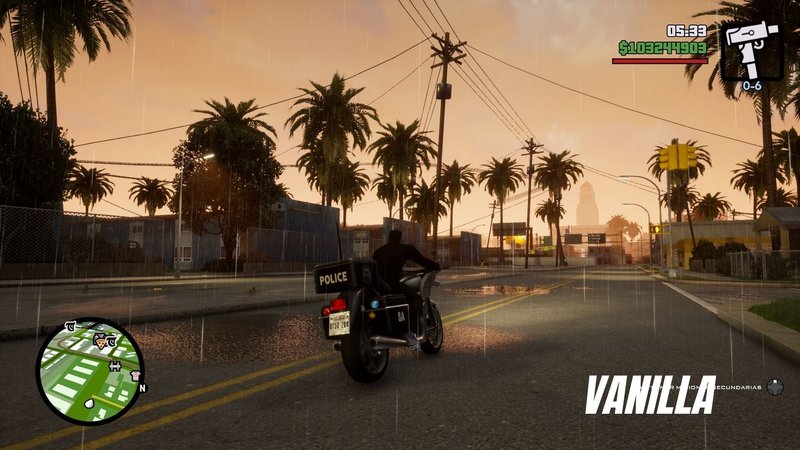
Hello everyone, i hope u like my reshade preset for GTA San Andreas.
To install just make sure u have installed Reshade, u can find it in reshade.me, then drag all the files in to the game's folder, thats it.
*GTA San Andreas - Definitive Edition\Gameface\Binaries\Win64 <--- here
With this simple mod u will experience truly realistic and beautiful improved graphics.
I recommend to install
- Fog mod
- Better LOD mod
- Rain fix mod
To install just make sure u have installed Reshade, u can find it in reshade.me, then drag all the files in to the game's folder, thats it.
*GTA San Andreas - Definitive Edition\Gameface\Binaries\Win64 <--- here
With this simple mod u will experience truly realistic and beautiful improved graphics.
I recommend to install
- Fog mod
- Better LOD mod
- Rain fix mod
Комментарии
Опубликовано комментариев: 5.

12/06/2021 12:05
Intro with Beautiful Atmosphere
https://www.youtube.com/watch?v=6sLmoOMep-g&ab_channel=TheRealAB
Цитировать | Ответить | (0)
Intro with Beautiful Atmosphere
https://www.youtube.com/watch?v=6sLmoOMep-g&ab_channel=TheRealAB
Цитировать | Ответить | (0)


11/29/2021 10:22
@paulbullias hi,
when u start the game the reshade menu should pop up automatically, then go to the settings tab and change the "overlay key" to whatever key u like to open the reshade menu, it should be the first option in the settings tab.
you can set this keybind by changing it in the Reshade.ini too in case your overlay doesn't pop up automatically.
[INPUT]
KeyOverlay=36,0,0,0 <---- this is the code of the "HOME" key
Цитировать | Ответить | (0)
@paulbullias hi,
when u start the game the reshade menu should pop up automatically, then go to the settings tab and change the "overlay key" to whatever key u like to open the reshade menu, it should be the first option in the settings tab.
you can set this keybind by changing it in the Reshade.ini too in case your overlay doesn't pop up automatically.
[INPUT]
KeyOverlay=36,0,0,0 <---- this is the code of the "HOME" key
Цитировать | Ответить | (0)

11/29/2021 09:26
For some reason I can't pull up the Reshade menu after installing your preset. Any help? Thanks.
Цитировать | Ответить | (1)
For some reason I can't pull up the Reshade menu after installing your preset. Any help? Thanks.
Цитировать | Ответить | (1)