GTA V / Моды / Графика
Clauderedux V1.02
- claudemods | загрузил claudemods
- claudemodsreloaded.co.uk
- 09/13/2026 (Last Update: 09/18/2026)
- 365 Скачивания
Оценки:
Сначала войди в аккаунт.
Избранное:
Videos

Войди в аккаунт, чтобы добавить видео к этому моду.
Описание
Since migrating to FiveM, building a proper Redux with all the features I need has been a pain;
with the first major update built from scratch for FiveM now released, much more needed to be tinkered with and tested to make it stable and custom.
claudemods redux fivem
changelog v1.02 update 10 18-09-2026
rebuilt from scratch in new structure
more fixes to minimap/radar
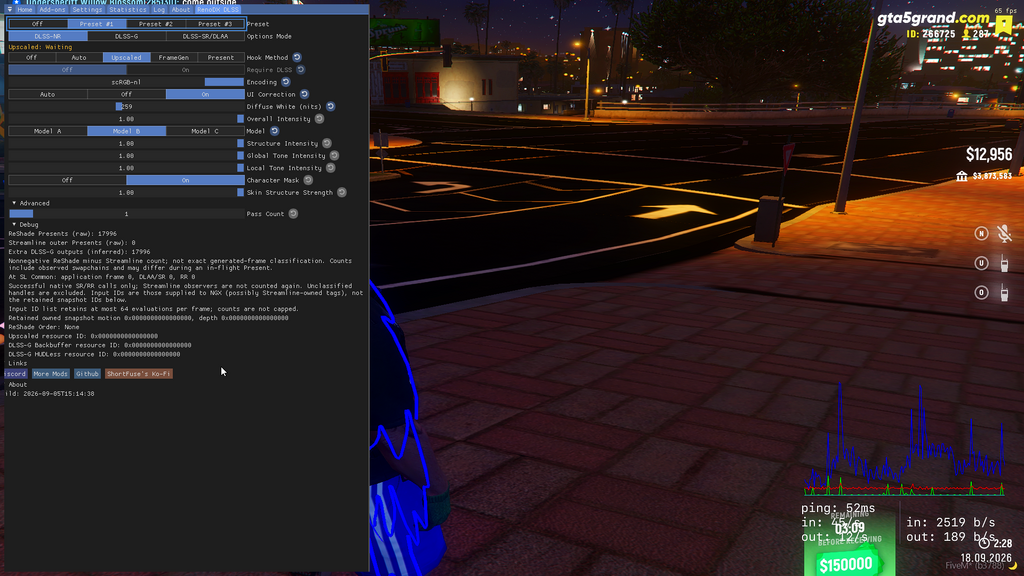
new slightly better reshade/+ redoDX dlss files
new roads added with better textures
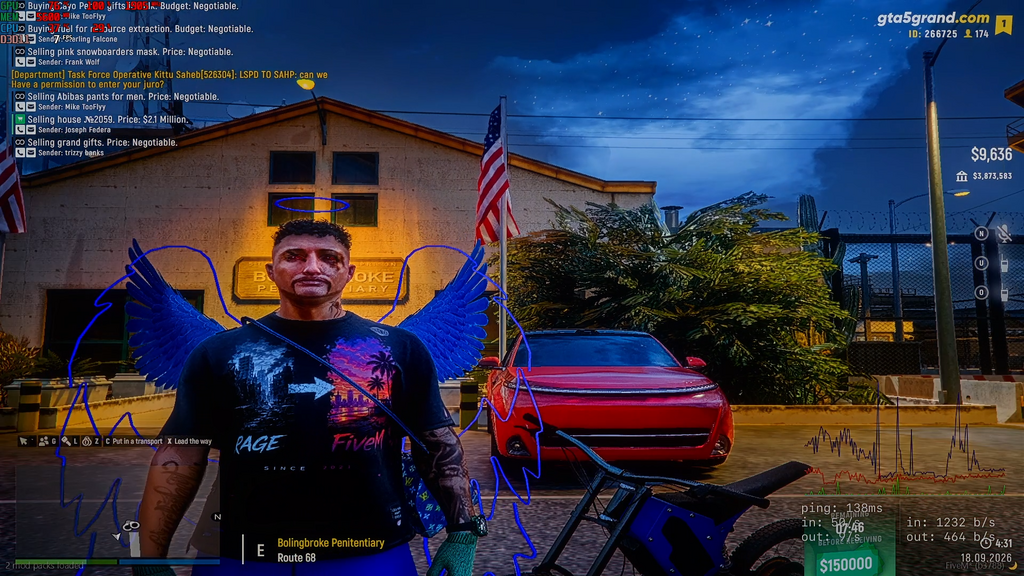
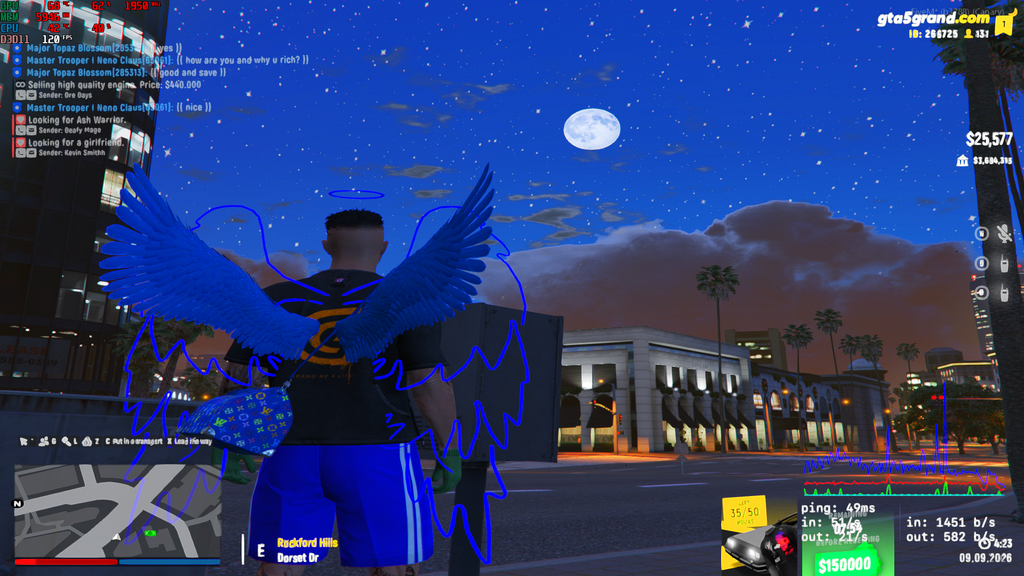
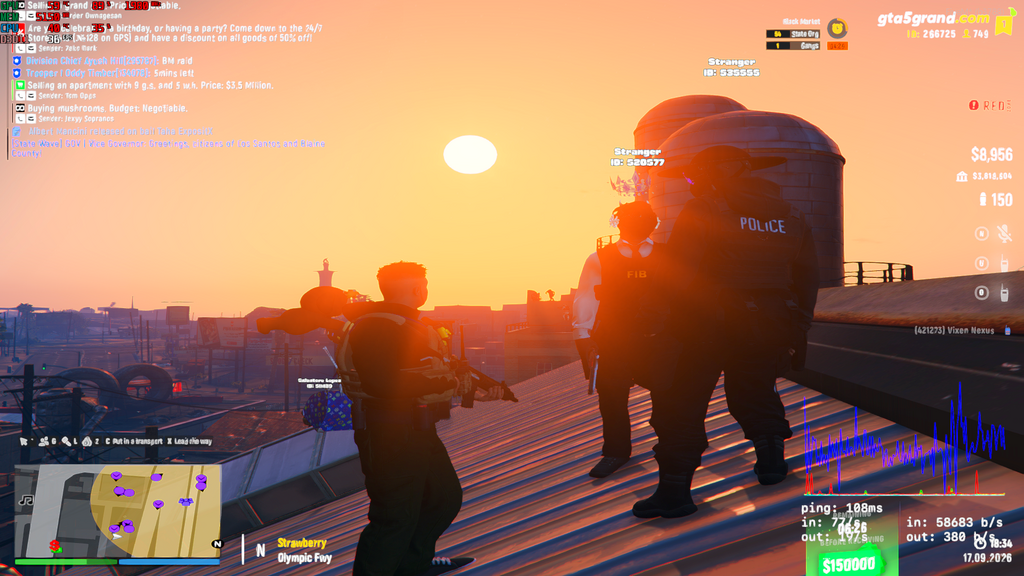
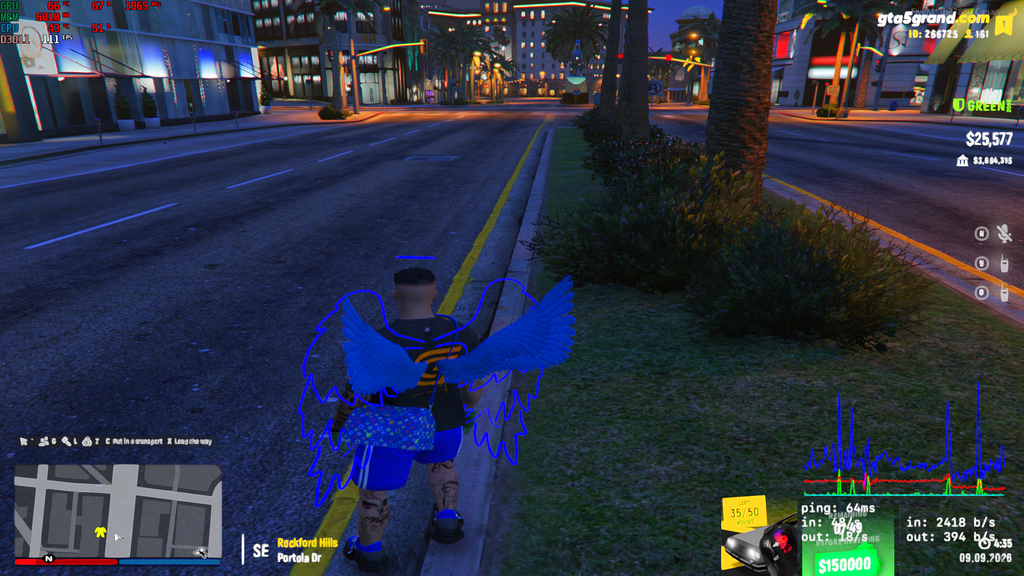
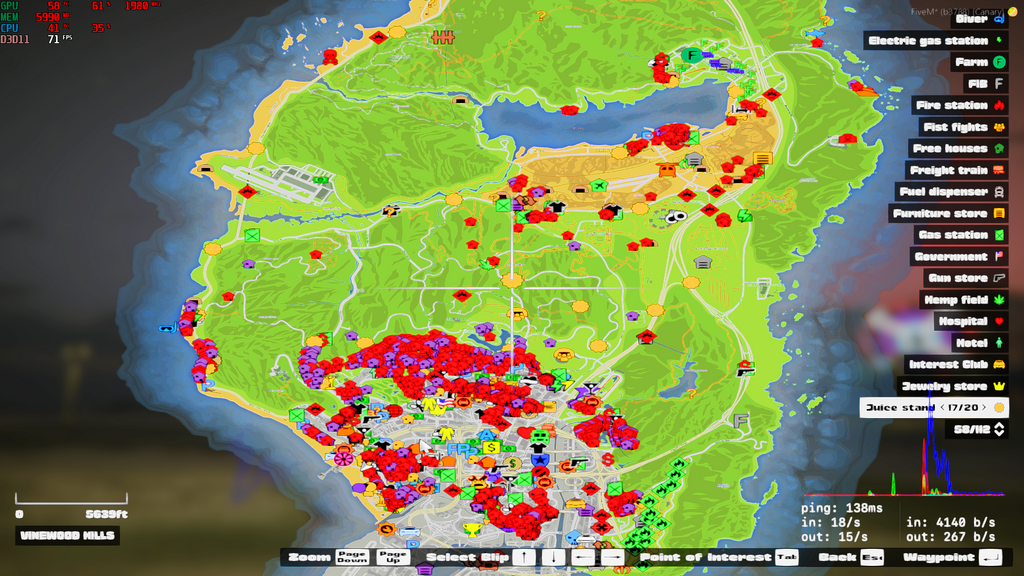
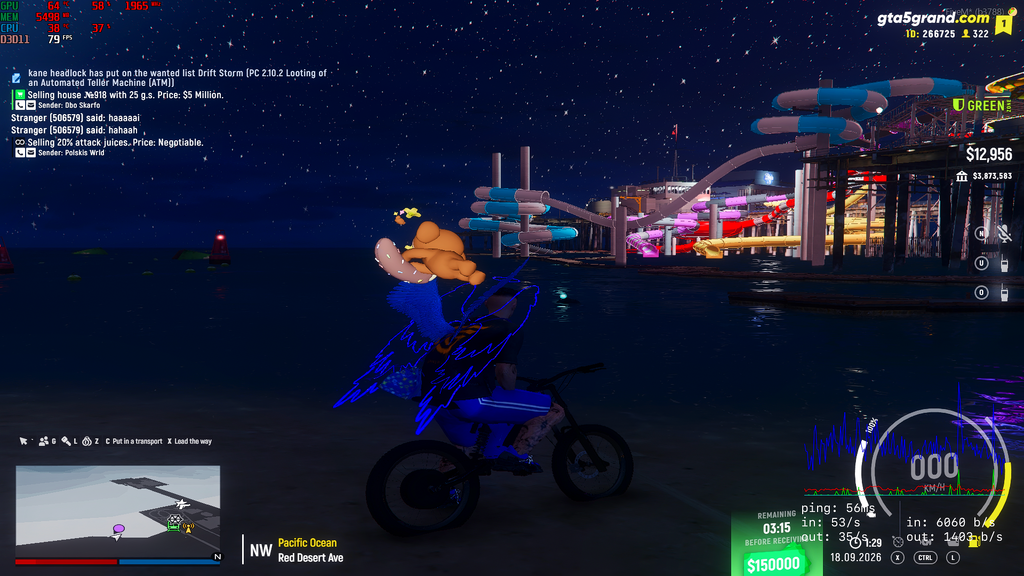
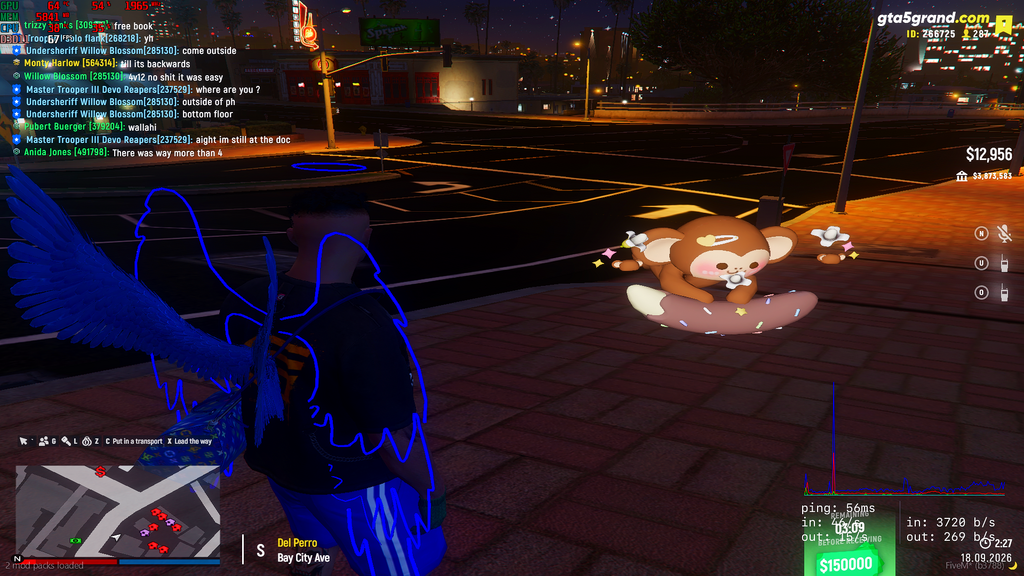
updated photos
installation is still the same just copy the new files over with guide below
changelog v1.02 09-09-2026
fixes to hd water + better textures used
radar fixes
better bloodfx added
enhanced reshade saved config
enhanced thunderstorm textures
old timecycle files added
custom settings .xml changed to my newest settings
photos added
changelog v1.02 update8 07/09/2026
old police siren/weapon sounds
new map ui looks better than last
old bloodfx
new roads
new clouds
old hd water
old hd quality rain
old hd text for character names and ids
? Installation Notes:
1. if you downloaded my old update 8 delete old files in C:\Users\username\AppData\Local\FiveM\FiveM.app\citizen\common\data or if not skip to step 2
2: extract the files then simply copy contents from clauderedux-v1.02-18-09-2026-fivem\fivem to C:\Users\yourusername\AppData\Local\FiveM\FiveM.app
3: Start Grand RP from five m And Enjoy The Legal Redux With HD Textures & Improvements!
4: Discord Channel https://discord.gg/4cQcz5wCru
<<>
1:) my custom settings.xml in extras folder contains a edited value e.g
you can simply edit this value your self in "C:\Users\username\Documents\Rockstar Games\settings.xml" to 2.000000
this will render the map further away (this has been tested for stability)
2:) to setup reshade please watch other guides
my custom reshade called claudemods.ini and reshade.ini located in /extras/reshade folder can be placed and used from AppData\Local\FiveM\FiveM.app\plugins
Комментарии
Опубликовано комментариев: 0.