GTA V / Карты
LSPD Multi-Forces 2 - Menyoo / Ymap
- RobGT6 | загрузил RobGT6
- 06/16/2024
- 2632 Скачивания
Оценки:
Сначала войди в аккаунт.
Избранное:
Videos
Видео пока не добавлены.Войди в аккаунт, чтобы добавить видео к этому моду.
Описание
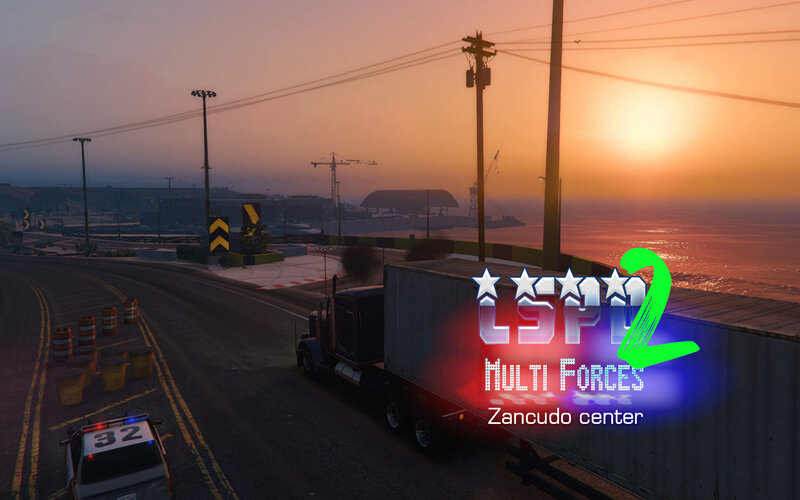
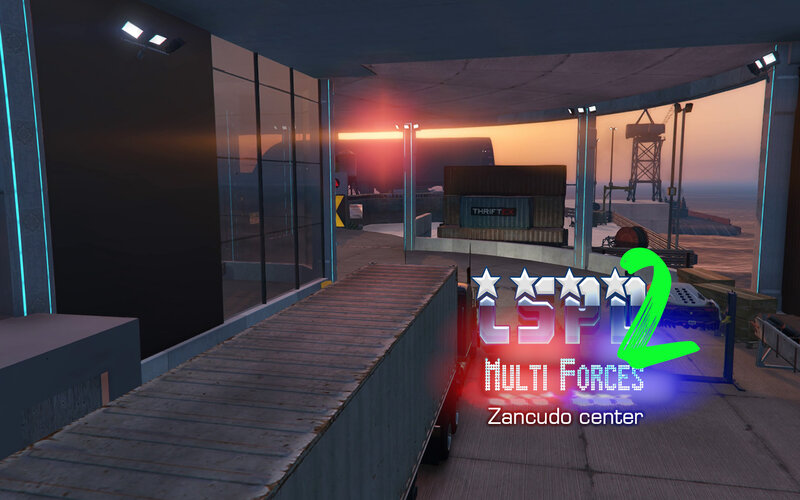
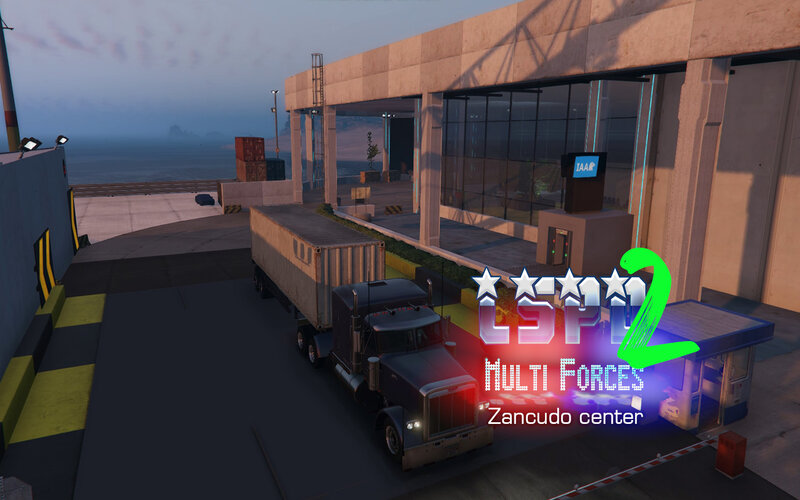
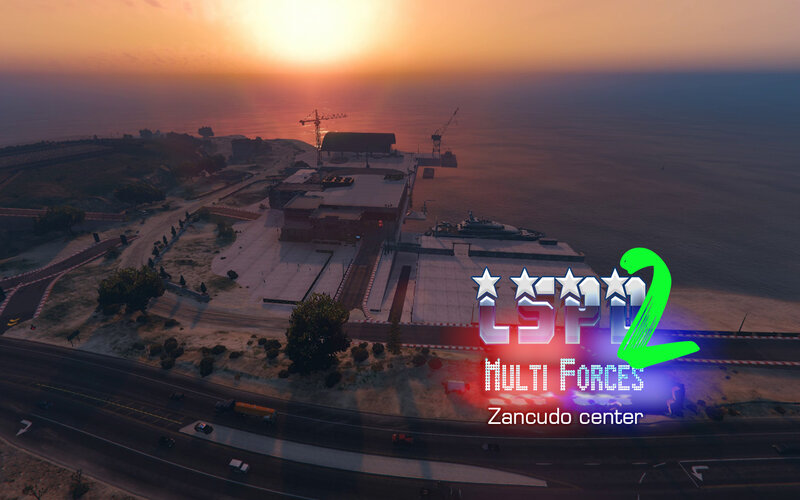
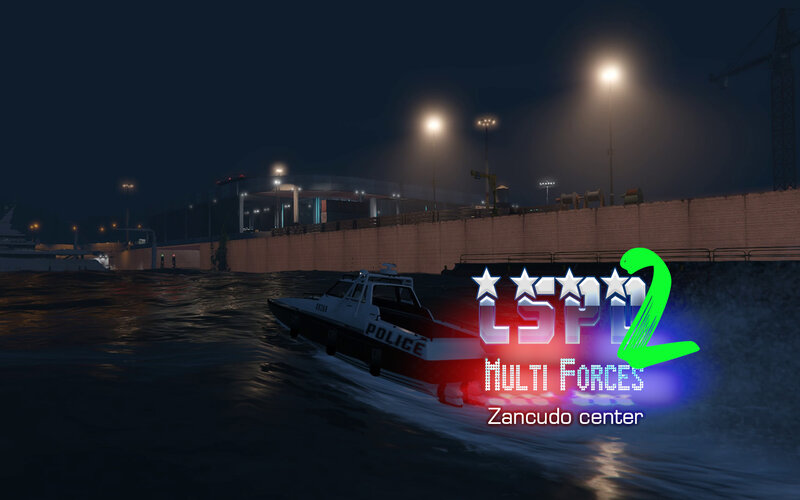
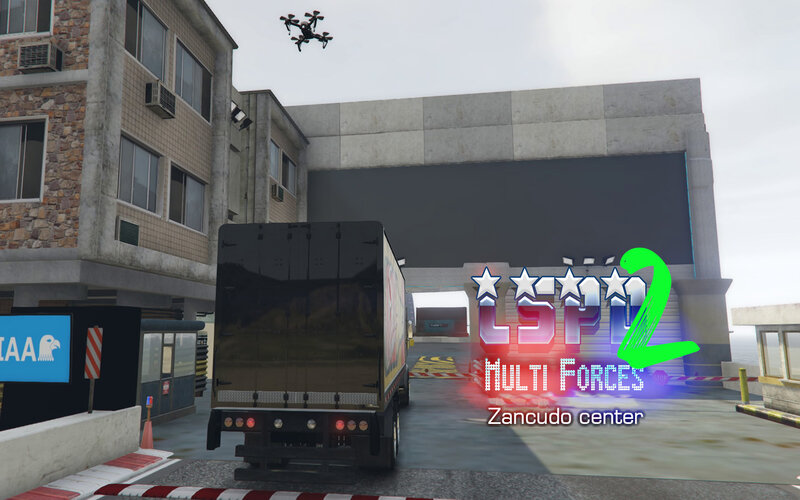
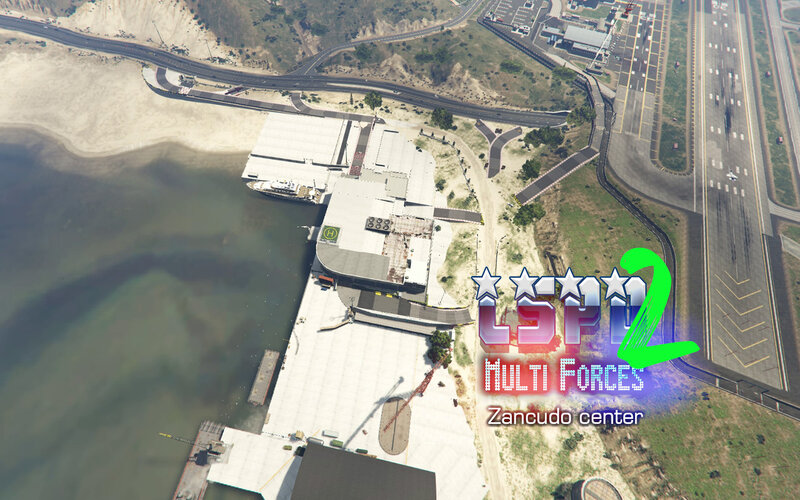
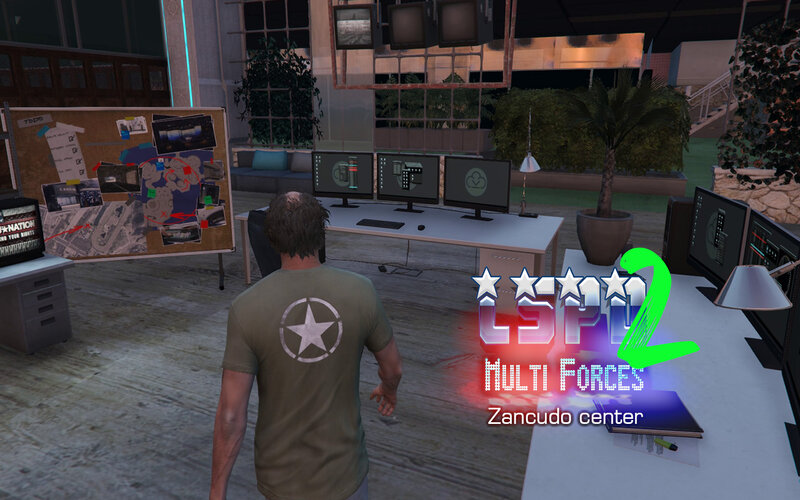
LSPD Multi-Forces 2 (Zancudo center) If you are a driver and you are nervous, you may be required to take a detour
for a thorough examination of your vehicle. You will be directed to a waiting room depending on your behavior. And
above all, wait until you are called to retrieve your vehicle.
----- REQUIREMENTS:
MENYOO Latest UPDATE >>> https://github.com/MAFINS/MenyooSP/releases
----- INSTALL : (Extract to: Grand Theft Auto V\menyooStuff\Spooner)
(Start game / Press F8 / Object Spooner / Manage Saved Files / xxxxxx)(Loading map...... PLEASE WAIT +/- 90sec)
***To keep animation and selected textures,
Open the map with menyoo.
________________________________________________________________
----- Game LAG FIX:
1- Remove MAP addon (DLC Addon) (drag into another temporary folder)
2- (Graphic Settings) Turn OFF MSAA
3- (Graphic Settings) Use DirectX 10.1
4- (Graphic Settings) Use normal texture
5- (Windows) manage paging file
for a thorough examination of your vehicle. You will be directed to a waiting room depending on your behavior. And
above all, wait until you are called to retrieve your vehicle.
----- REQUIREMENTS:
MENYOO Latest UPDATE >>> https://github.com/MAFINS/MenyooSP/releases
----- INSTALL : (Extract to: Grand Theft Auto V\menyooStuff\Spooner)
(Start game / Press F8 / Object Spooner / Manage Saved Files / xxxxxx)(Loading map...... PLEASE WAIT +/- 90sec)
***To keep animation and selected textures,
Open the map with menyoo.
________________________________________________________________
----- Game LAG FIX:
1- Remove MAP addon (DLC Addon) (drag into another temporary folder)
2- (Graphic Settings) Turn OFF MSAA
3- (Graphic Settings) Use DirectX 10.1
4- (Graphic Settings) Use normal texture
5- (Windows) manage paging file
Комментарии
Опубликовано комментариев: 0.