GTA IV / Автомобили / Lamborghini
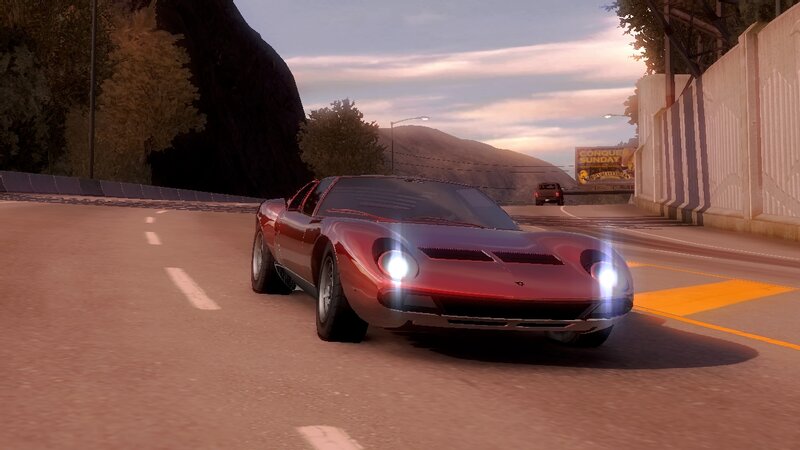
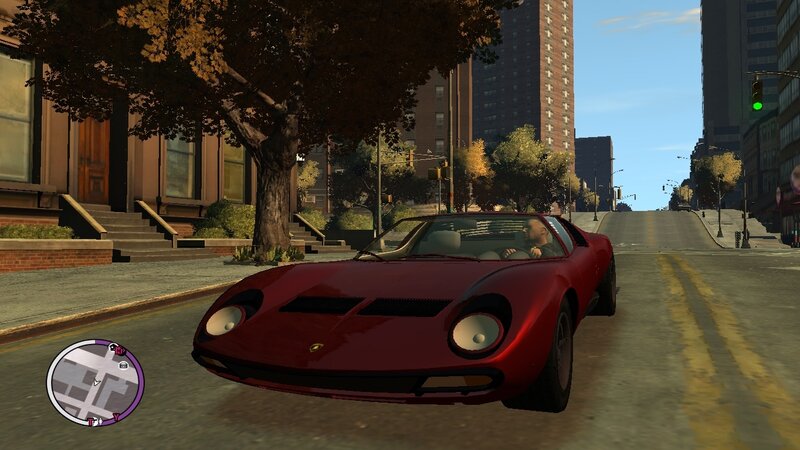
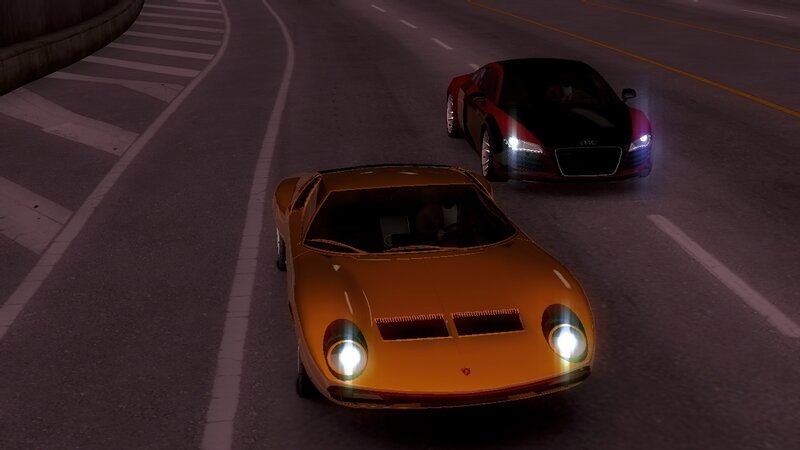
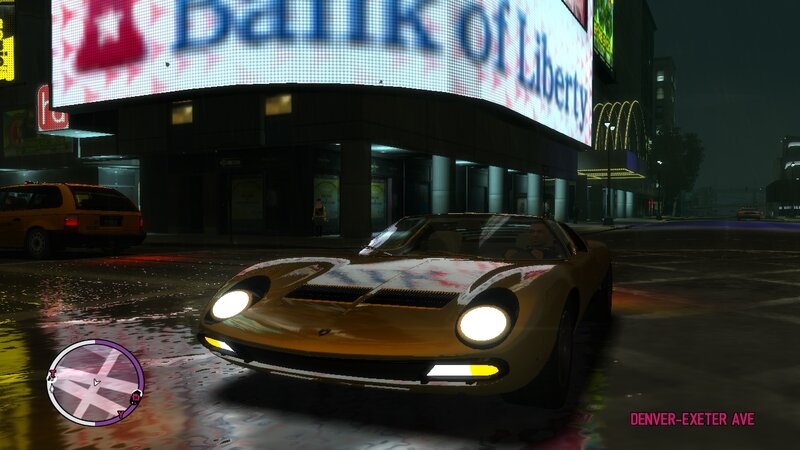
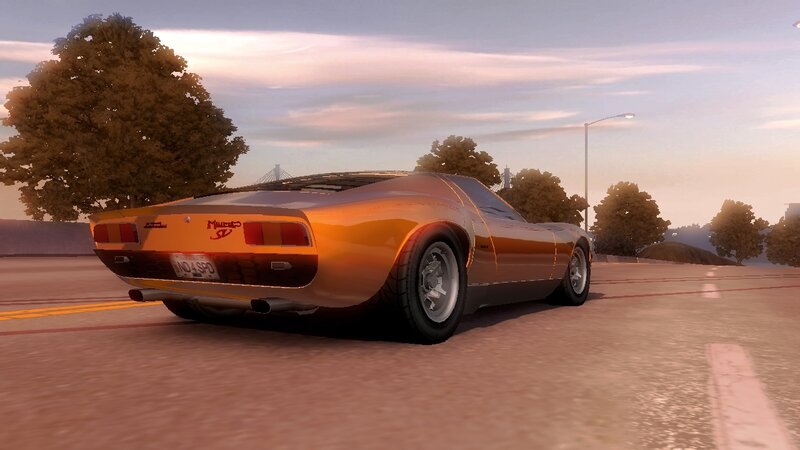
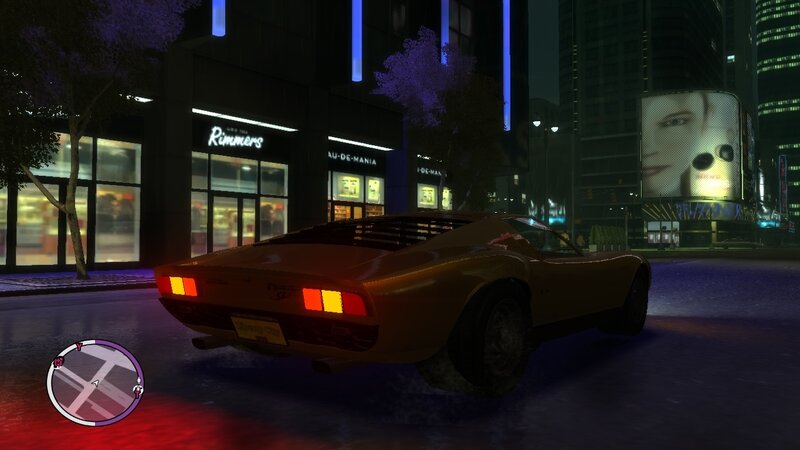
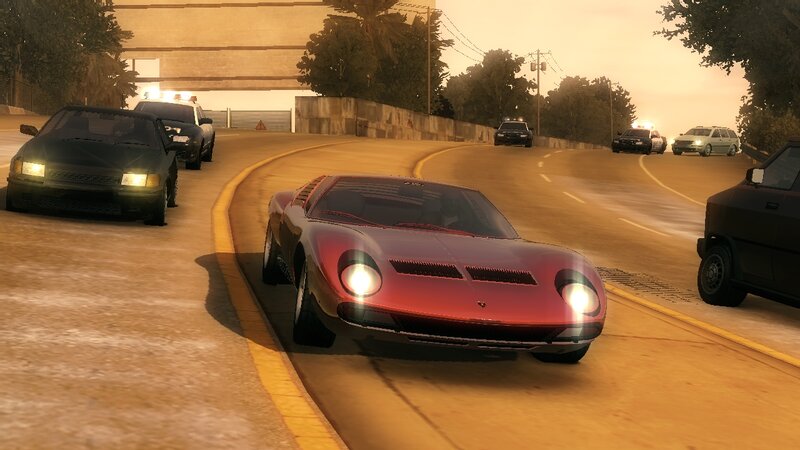
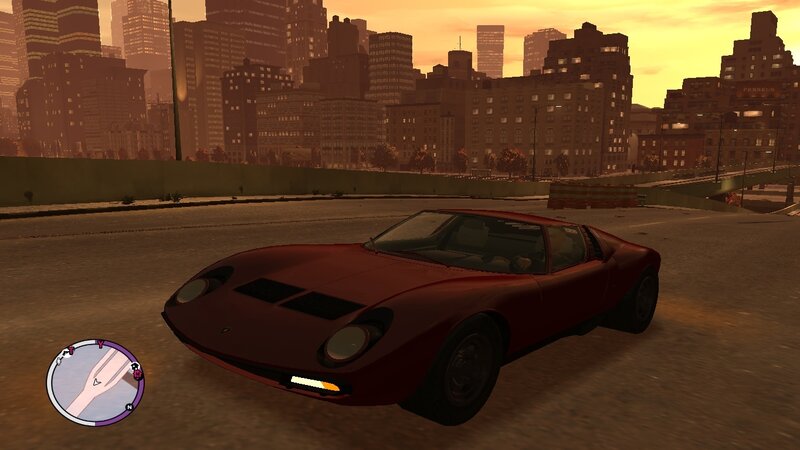
Lamborghini Miura P400SV
- N4SPEED GTA | загрузил N4SPEED GTA
- 05/13/2026
- 1599 Скачивания
Оценки:
Сначала войди в аккаунт.
Избранное:
Видео
Видео пока не добавлены.Войди в аккаунт, чтобы добавить видео к этому моду.
Описание
1971 Lamborghini Miura P400 SV.
The Lamborghini Miura is a sports car produced by Italian automaker "Lamborghini" between 1966 and 1973.
The car was the first high-performance production road car with a rear mid-engine, rear-wheel-drive layout, which has since become the standard for performance-oriented sports cars. When released, it was the fastest production car in the world.
FEATURES:
-High quality models and textures.
-Supports all the main functions of the game.
-Improved handling for the new vehicle.
-Cars to replace: Comet, Coquette.
INSTALLATION INSTRUCTIONS:
-With Open IV locate the game's installation folder and move to "pc/models/cdimages/(vehicles.img)".
-Enable Edit mode under the File submenu,Then open "vehicles.img" to replace "Comet.wft and Comet.wtd".
-Go to the data folder and open "Handling.dat & Vehicles.ide" files, use the "Notepad" to replace the configuration lines.
-Launch the game and enjoy your new car!
NOTE:
Make a backup copy of your game files before starting the installation and follow all steps carefully to avoid mistakes.
The Lamborghini Miura is a sports car produced by Italian automaker "Lamborghini" between 1966 and 1973.
The car was the first high-performance production road car with a rear mid-engine, rear-wheel-drive layout, which has since become the standard for performance-oriented sports cars. When released, it was the fastest production car in the world.
FEATURES:
-High quality models and textures.
-Supports all the main functions of the game.
-Improved handling for the new vehicle.
-Cars to replace: Comet, Coquette.
INSTALLATION INSTRUCTIONS:
-With Open IV locate the game's installation folder and move to "pc/models/cdimages/(vehicles.img)".
-Enable Edit mode under the File submenu,Then open "vehicles.img" to replace "Comet.wft and Comet.wtd".
-Go to the data folder and open "Handling.dat & Vehicles.ide" files, use the "Notepad" to replace the configuration lines.
-Launch the game and enjoy your new car!
NOTE:
Make a backup copy of your game files before starting the installation and follow all steps carefully to avoid mistakes.
Комментарии
Опубликовано комментариев: 0.